Scroll through YouTube or Instagram for ten minutes, and some of what you watch was made, in whole or in part, by AI: the voice, the images, the music, sometimes the entire clip. And some of it is genuinely good. It is clever, beautiful, funny or moving, and you would happily watch it again. That is no accident. In the hands of a skilled filmmaker or a gifted creator, AI is an excellent tool, and it shows. It isn’t only the feed, either. Films that you have watched, or will, already use AI for some part of the work.
Earlier this year, Netflix bought InterPositive, an AI filmmaking company that Ben Affleck started, for a sum that was later reported to be about $587 million. It builds AI tools for post-production, and it did so with a team of only about sixteen people. Whatever you feel about that deal, it said something loudly: what we have been noticing in our feeds and on our screens is not a curiosity anymore. It is a business.
Then a podcast landed in our inboxes and chat groups, and it wouldn’t leave us alone. What AI Filmmaking Really Costs brought Rajkumar Hirani and Shakun Batra together to talk about where AI meets the making of films. When voices like these talk about it, a lot of us sit up.
Between the two, a conversation started among us at Scrite. It was not about the screen, which is where most of the money and the headlines are, but about the page, which is ours. Are screenwriters using AI? How? And what are they not getting that they wish they were?
The answers we kept arriving at were rarely “yes” or “no”. They were more like, “Sometimes.” “Only for research.” “I tried it once and didn’t like it.” “I use it every night, but I’d never tell my writing group.” And some are firm: they dislike it with every cell in their body, and would much rather their writing tools offered nothing AI at all.
How are you using it today?
Here are some of the ways writers describe it. See which ones sound like you.
The midnight sounding board. You are stuck, nobody is awake, so you open a chat app and talk it through. You paste in the scene, explain who everyone is, and ask what you’re missing.
The research assistant. How does an FIR actually get registered? What does a ward nurse say at a handover? What was in the news the week your story is set? It’s faster than ten browser tabs.
The brainstormer. Ten possible endings. Twenty names for a minor character. Three different ways into a scene. You use almost none of it, but the one idea you do keep is worth it.
The tidy-up. Tighten this dialogue. Fix my grammar. Translate this line. Rename a character everywhere.
The paperwork helper. A logline. A synopsis for a producer. A pitch email. The things that are not the screenplay, but that surround it.
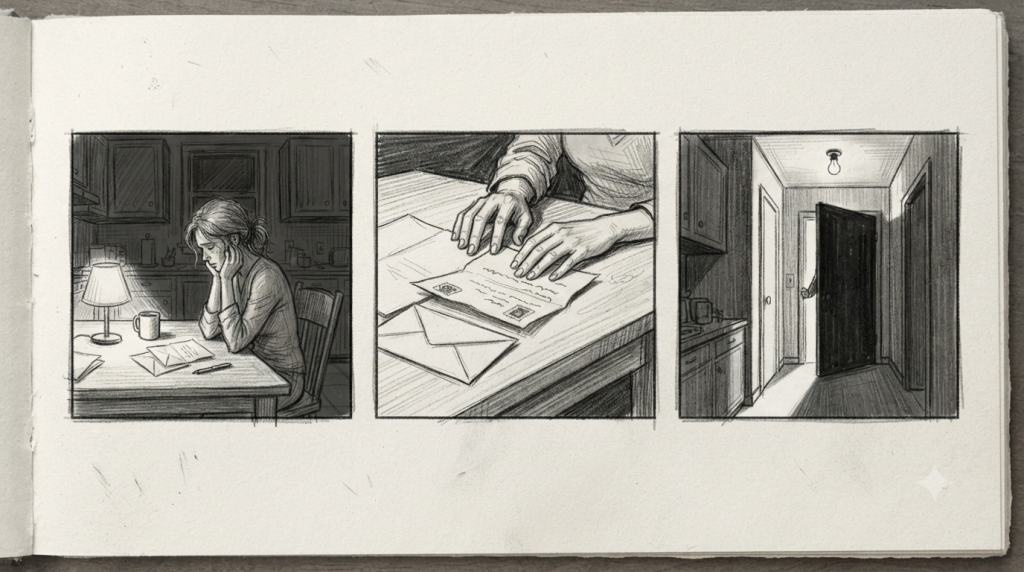
The storyboarder. You describe a scene, and an image generator gives you a frame. Then another, in a different style. It isn’t the final look, but it is enough to see whether the scene works, and to show a cinematographer what is in your head.
The narrator. You want to hear it, not only read it. Text-to-speech reads your dialogue aloud, with a different voice for each character, so you can find out where the lines sag or sound stiff. Some writers do a quick table read this way before anyone else sees the pages.
The previs maker. Image and video generators turn a scene, or only a shot, into moving pictures. They’re rough and often wrong, but they are a way to test a sequence, build a teaser, or pitch a mood to someone who won’t read a script.
The pitch builder. Posters, mood boards, concept art, a deck with visuals for a producer. The things that help a script get read in the first place.
The translator. Your screenplay in another language, and your dialogue in a voice that sounds like it was written there.
The one running it at home. You’ve set a model up on your own computer, so that nothing leaves the room. It’s free to run, and it’s private, but it took an afternoon of fiddling, and it doesn’t know anything about your screenplay unless you tell it.
The cautious reader. You don’t let it write anything. You only ask it to read, and tell you what it thinks. Where does it sag? What did you set up and never pay off?
The one who has decided not to. That’s a perfectly good answer. Many writers care deeply about their own voice, and about what it means to hand any part of that over.
What about the app you write in?
Many of these happen outside your writing software, in a chat window or a separate tool, with the script copied across by hand. But more and more writing apps now come with AI of their own, built in, or connected with a key that you bring.
So, a question inside the question. Is the app you write in already using AI? If it is, do you use it, ignore it, or switch it off? Does it feel like part of how you work, or like a button that was added because every app has one? Does it know your whole screenplay, or just the paragraph under your cursor? And if your app has none, would you want it to?
There is another choice hiding in there. Some apps include the AI in what you pay: you use it, and the app takes care of the rest. Others ask you to bring your own key, so you sign up with an AI provider yourself, pay them directly, and plug the key in. Which would you rather have? Is the convenience of having it included worth not knowing which model is behind it, or what it costs, or where your script goes? Or would you rather skip the setup, even if it means giving up some control?
And what’s missing?
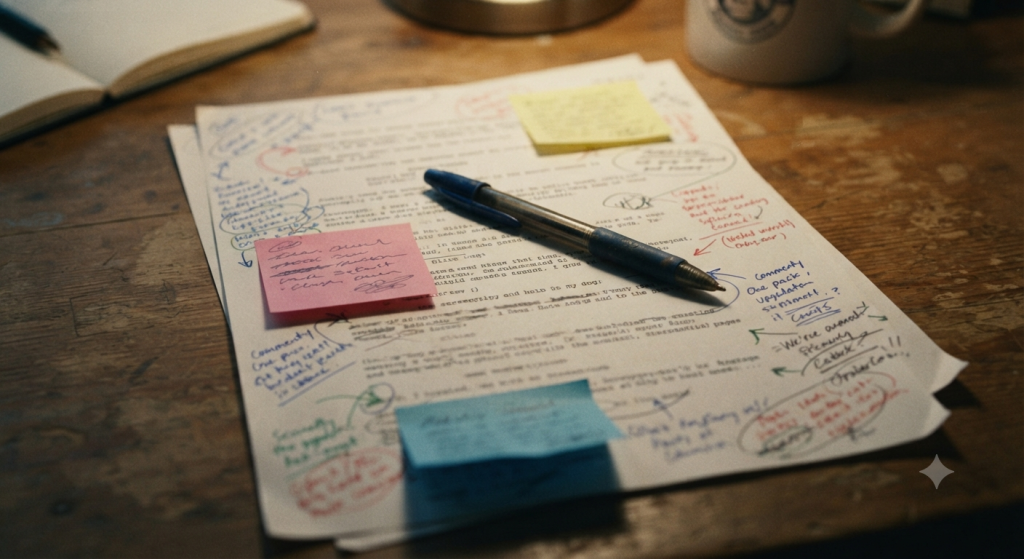
Here is the harder question. Whichever way you use it, what do you wish it did differently?
Here are a few prompts to get you started. They’re not meant to lead you anywhere. They’re only things that came up when we talked among ourselves.
- “I spend the first ten minutes of every conversation explaining my story again.”
- “It doesn’t know my characters. It knows my paragraph.”
- “I can’t tell whether it has understood the whole script or only the page I pasted.”
- “I don’t like that my unreleased script is sitting on someone’s server.”
- “I keep reading about people running AI on their own computers, but I wouldn’t know where to start. And I’m not sure it would even be good enough for screenwriting.”
- “I never know what it will cost.”
- “I’d like to try a different AI, but I’d lose everything I’ve built up with this one.”
- “I don’t want it to change my pages. I only want it to tell me what it sees.”
- “I wish it could just do the boring parts, for every scene, so I could do the writing.”
- “I’d love to hear my characters argue.”
Some of these will sound familiar. Some may sound like things you had stopped noticing. A tool you use every day has a way of making its gaps feel like the natural shape of the work.
Why we’re asking
We build Scrite. It is a screenwriting app made by people who care about writers, and we think a lot about what a writing tool should and shouldn’t do. When people who have shaped our cinema talk about AI, it is a reminder of how quickly this is moving, and how much of the conversation so far has been about the screen, and not the page. We don’t think the answer to “what should AI do for a screenwriter?” belongs to a product team. It belongs to the people who write.

Truth be told, AI is one more tool, like the camera, the editing suite and the word processor before it, and it is there for everyone, writers included. Used well, it can dramatically improve what you create. You still hold the steering wheel. You decide where the story goes, what it means, and when it is done. But you don’t have to pedal the whole way. The machine can do much of the heavy lifting, and that leaves you more time and energy for the part that only you can do.
As a writer, what do you use AI for today? What have you stopped using it for, and why? What would you never let it touch? What do you wish existed that you haven’t found anywhere?
There are no wrong answers, and nobody’s counting. Skepticism is as welcome as enthusiasm.
Share it in the Scrite community. We’d love to hear from you.